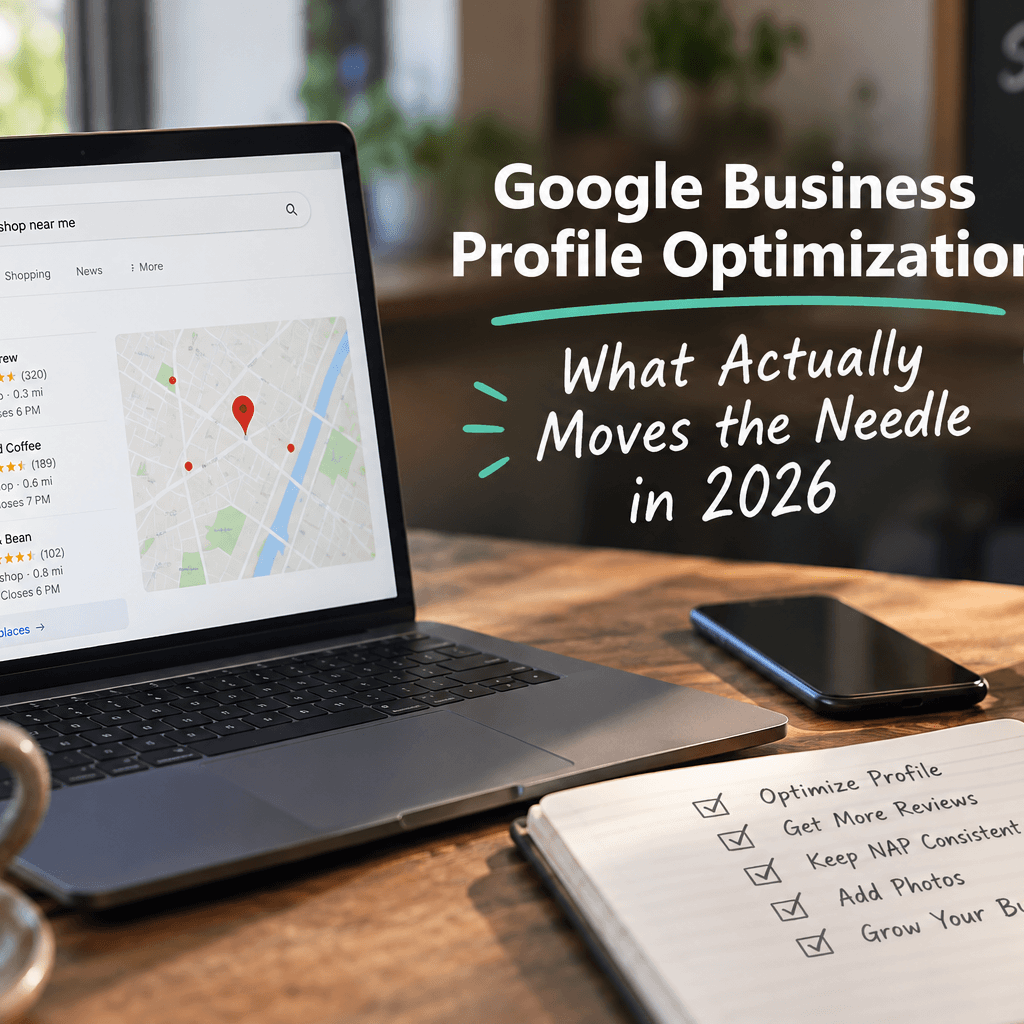
Someone in Mansarovar types “AC repair near me” at 10 p.m. Google shows three businesses on a map. Yours isn’t one of them, even though you’ve been doing this work for twelve years.
That’s usually not bad luck. It’s an incomplete or neglected listing. Google Business Profile optimization is free, and for a local shop it often brings more calls than any paid ad. Here’s what matters in 2026, what Google has changed lately, and a checklist you can finish in an afternoon.
[Image alt text: Shop owner completing a Google Business Profile on a laptop, Google Business Profile optimization steps]
How Google Ranks Local Businesses
Google ranks local results using three factors: relevance (how well your profile matches the search), distance (how close you are to the searcher) and prominence (how well-known and trusted you are). You can’t change distance, but you can improve relevance and prominence through your profile, reviews and consistency.
Google’s own documentation names these three. One industry survey also found that the Business Profile itself makes up about 32% of local pack ranking factors, ahead of reviews at 20%. Surveys of experts are opinion, not Google’s formula, but the message is clear: your profile deserves attention. digitalthriveai
Claim and Verify Your Profile
Search your business name on Google Maps. If a listing exists, claim it. If not, create one at business.google.com.
Verification may happen by phone, email, or a short video of your shop, signboard and storefront. Keep your signboard visible, since Google wants proof you’re real.
Do this first. An unverified profile can’t use many features.
Name, Category and Contact Details
Use your real business name, exactly as it appears on your signboard. Don’t add keywords like “Best AC Repair Jaipur Cheap 24×7.” That’s a fast way to get suspended, and recent reports mention profile suspensions for keyword stuffing after the March 2026 core update. dentalbase
Next, your category. One 2026 ranking report places the primary category as the top local pack signal for the third year running. Pick the most specific option, like “Air conditioning repair service,” not just “Service.” Add a few secondary categories that truly apply. lovable
Then check:
- Address: Match your signboard, bills and website. Add a landmark in the description if people struggle to find you.
- Phone: Use a number you actually answer.
- Hours: Update them for festivals like Diwali and Holi. Wrong hours cause angry reviews.
Services, Products and Description
Fill in every section of your profile: services, products, attributes and a clear business description under 750 characters. Use natural language that explains what you offer, where, and who you serve. This helps Google match you to relevant searches without stuffing keywords.
Write the description as you’d explain it to a new customer. Mention your area names naturally, such as “serving Mansarovar, Vaishali Nagar and Malviya Nagar.”
List each service with a short note and, where relevant, a starting price. Add attributes like “wheelchair accessible,” “online payments accepted” or “women-led,” only if they’re true.
Photos and Videos
Customers judge you by your photos before they ever call. Upload real images:
- Outside view, so people can spot your shop
- Inside, products, team and workspace
- Before-and-after shots of your work, if relevant
Skip stock photos. Add new ones regularly. Reports suggest photo cadence and profile update recency appear among top-ten signals in the 2026 report, so a steady trickle beats a one-time upload. lovable
I’d suggest a monthly habit: every first Sunday, add five new photos.
Reviews: Ask, Reply and Stay Honest
Reviews carry real weight, both for ranking and for trust. Aim for a steady flow of fresh reviews, not a sudden burst.
- Send a direct review link through WhatsApp after a good service.
- Ask in person at the counter, and print a QR code on your bill.
- Reply to every review, positive or negative. Be polite and specific.
- Accept reviews in Hindi or English. Real customers write the way they speak.
Never buy fake reviews or offer money for good ones. Google can remove them, and it can penalise your profile.
For a negative review, don’t argue. Thank them, explain briefly, and offer to fix it offline.
Posts, Updates and the Q&A Change
Use the Posts feature for offers, new arrivals and events. Keep them short, with a clear photo and a call to action.
One important change: Google is retiring the public Q&A section on business profiles. Reports say it is being replaced by an AI feature called Ask Maps. So don’t rely on Q&A to explain your business. Put answers to common questions into your description, services list and website, where Google’s AI can read them. sociusmarketing
Messaging has also changed, as chat has been retired, so make sure your phone number and WhatsApp link are easy to find. lovable
Keep Your Details Consistent Online
Your business name, address and phone number should match across your website, social pages, JustDial, IndiaMART and other directories. Mismatches confuse Google and can pull your ranking down.
Also, check your website’s contact page and add a Google Map embed. It’s a small step that supports trust.
Common Mistakes to Avoid
- Stuffing keywords in the business name
- Choosing a vague primary category
- Leaving old phone numbers or wrong hours
- Ignoring reviews for months
- Using a virtual office or fake address, which risks suspension
- Uploading one batch of photos and never updating
FAQs
What is Google Business Profile optimization?
It’s the process of completing and improving your free Google listing so it appears higher in Maps and local search results.
How long does it take to rank higher?
Small changes can show results in a few weeks, but steady reviews, photos and updates build ranking over months.
Is Google Business Profile free?
Yes. Creating and managing a profile costs nothing.
How many reviews do I need?
There’s no fixed number. Aim for a steady stream of genuine, recent reviews rather than a one-time rush.
Can I add keywords to my business name?
No. Use only your real name. Keyword stuffing can lead to suspension.
What happened to the Q&A section?
Google is retiring it and moving toward an AI feature called Ask Maps, so place key answers in your description and services instead.
Conclusion
Good Google Business Profile optimization comes down to simple habits: claim and verify your listing, choose the right primary category, fill in every detail, upload real photos, collect honest reviews and post updates regularly. Features change, as the Q&A removal shows, so recheck your profile every few months.
This week, spend one hour on it. Fix your category, check your hours, add five new photos and send your review link to three happy customers. Then search your own service on Maps from a nearby location, and see where you appear.
[Link to related guide: hyperlocal marketing ideas for small shops]
Internal link suggestions:
[link to guide on hyperlocal marketing ideas for small shops here]
[link to article on how to get more Google reviews here]
[link to post on local SEO checklist for small businesses here]
Image alt text:
“Shop owner completing a Google Business Profile on a laptop, Google Business Profile optimization steps”
“Google Maps local results showing three nearby shops with ratings and photos”
“QR code at a shop counter for customers to leave a Google review”